
Networking & Communications Guide
Identify the role of switches, routers, access points and collaboration devices before comparing an exact model or offer.
AI-assisted source check; independent human expert review not recorded. Research methodology
Networking and communications research begins with the job a device performs in a system. Cisco’s networking overview notes that switches, routers and wireless access points perform different functions. A desk phone, switch, access point, camera or router may all appear in one installation, but a shared network setting does not make them interchangeable.


Describe the environment first
Write what must connect, where it will be installed, how it will be powered, which service or platform is required, and who will administer it. A hardware title such as “business Wi‑Fi” or “PoE phone” does not settle those questions. Capture ports, power, management, network security and application requirements separately.
Cisco explains that a switch connects devices within a LAN while a router connects networks using IP routing. Its switching guide also notes that modern switches can have additional capabilities. Treat broad explanations as a vocabulary aid; use a model-specific datasheet to verify a candidate device.
Scroll horizontally to see all columns.
| System question | Evidence needed |
|---|---|
| What connects locally? | Port type/count and switch requirement |
| What reaches other networks? | Router or gateway design requirement |
| What needs wireless access? | Access-point coverage and management requirement |
| What needs power over Ethernet? | Device consumption and switch/injector budget |
| What needs a call platform? | Exact phone edition and supported deployment record |

Compare the exact model
For a Yealink SIP‑T54W, its datasheet lists specific power, network and management information. That is much more useful than a generic “IP phone” label. It still does not confirm the power budget of a complete installation, the licensing of a platform, or the configuration of the seller’s stock.
Use the Yealink brand guide when the product is a collaboration device. For other manufacturers, obtain a comparable official record. Keep the model code, firmware or edition claim, package contents and required network policy in the same matrix.
Avoid equipment-list assumptions
An illustrative order might include five phones and one switch. The relevant question is not simply whether the switch has five ports. The design may need uplinks, power capacity, VLAN policy, physical placement, service configuration and support arrangements. These are deployment questions for the responsible administrator. A product comparison page should make them visible, not replace an implementation review.

Connect product evidence to delivery evidence
Once a technical requirement is defined, check the seller’s role and documentation using Distributor vs Wholesaler vs Reseller. Keep configuration files, serials and credentials private. At receipt, record the agreed labels, quantity and accessories using the first-order checklist.
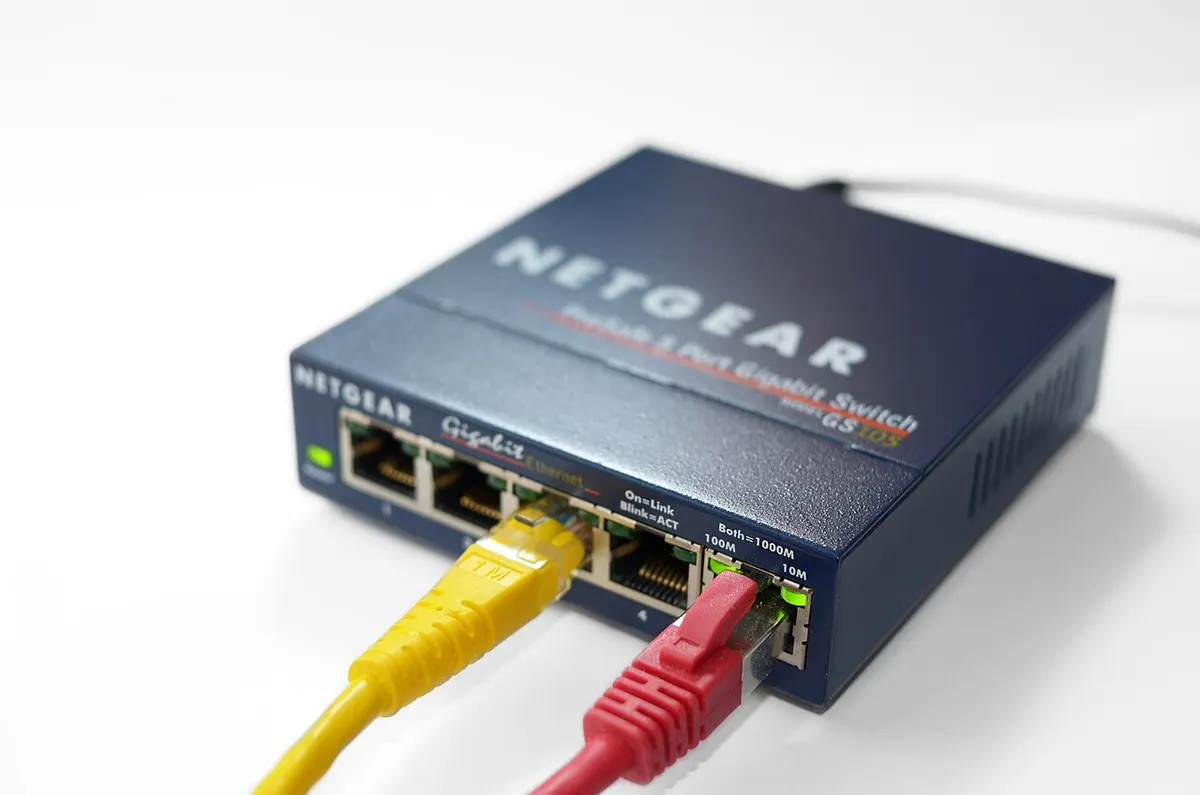
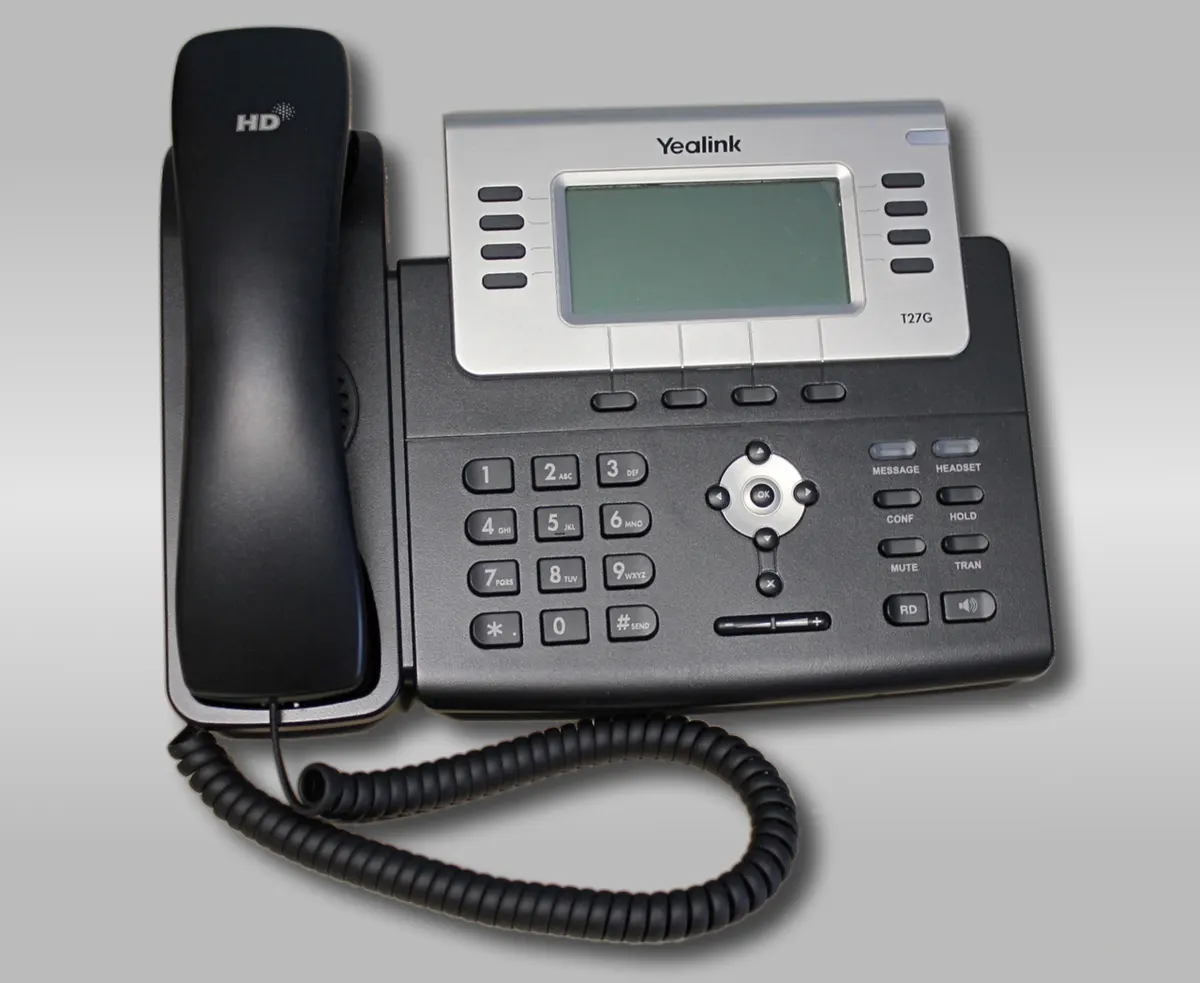
The photos show a real network rack, switch and earlier Yealink phone under the licenses credited below them. They are contextual reference images—not an approved network design, compatibility test or inventory record. ElectronicSeek does not configure networks or certify products. The editorial methodology explains the research limits.
Build a category brief before reading product listings
Category pages are designed to reduce the first ambiguity: what kind of product and deployment is actually required? A category title should not become a substitute for an exact model, use condition or market. Write a short brief in your own words before comparing brand pages. Include the task to be performed, the environment, the non-negotiable requirements, the evidence you will accept and the questions that remain undecided.
Next, turn each candidate listing into a comparable record. Preserve its original wording, then attach the exact manufacturer source used for each material claim. A seller title might be useful for locating a product, but it does not establish a regional configuration, package content, compatibility or post-sale responsibility. Mark a cell as unresolved if the evidence does not address the same model and market.
Keep these questions distinct
- Identity: What exact device, accessory or network component is described?
- Capability: Does cited documentation support the required use under stated conditions?
- Deployment: What surrounding equipment, provider or administrator requirement must be confirmed?
- Transaction: Which business offers the item, and what delivery or remedy terms apply?
- Receipt: Which observations will verify that the delivered goods match the agreement?
A complete category brief does not need to list every feature. It needs to make the decision-critical features and uncertainties visible. Move to a linked brand page only after the category task is clear, and move to the sourcing guides only after you have a candidate offer. This avoids treating a manufacturer catalogue, a product photograph or a quotation as a complete answer.
Review the comparison before a decision
Read each row from left to right: requirement, candidate claim, evidence, limitation and next action. A comparison becomes fragile when it contains a precise conclusion but no link to the model or condition that supports it. Reopen a row when the quantity, destination, product configuration or seller changes. A row can be “not comparable yet”; that is a useful result when a missing fact could change the outcome.
Keep cost decisions separate from basic identity. A lower unit price does not cure an unspecified model, missing cable, unknown deployment requirement or unclear warranty path. Conversely, a technical match does not establish the commercial terms. Use the procurement and sourcing guides once a candidate satisfies the product brief. Store any invoice, serial identifier, credentials or payment evidence in your own restricted record. This site does not accept those materials and cannot validate a transaction.
Keep the record usable after the first comparison
Save the requirement brief with the sources and note the date it was reviewed. If a new offer appears, compare it against the same brief rather than rebuilding the criteria around the new sales title. If a required fact is unavailable, say what was requested and why it matters. That is clearer than substituting an assumption from a similarly named product. A good category record can be handed from a researcher to a buyer or receiving colleague without losing the origin of the conclusion.
At receipt, compare only the points agreed before the order: label, configuration, visible condition, accessories and quantity. Record an exception before treating it as resolved. This separates the editorial research task from a contractual acceptance decision, which belongs to the parties and their agreed process.
Where a product operates as part of a larger system, include the surrounding system in the brief. A device specification can be correct while the intended deployment remains unsuitable because of power, cable, network, carrier, service or administrative constraints. Ask the responsible provider or administrator to confirm those constraints before treating the comparison as complete.
Keep the final choice tied to the written brief. If the brief changes, record why and recheck the affected evidence.
The pictures on this page remain contextual reference photographs. They may help readers recognize a product class but do not establish performance, certification, stock availability or a particular seller’s conditions. Return to Categories to change category, or read the research methodology for source and review boundaries.