
USB-C Charging vs Data Cables: Check Power and Data Separately
Confirm USB-C power, data, and display separately. A cable that charges is not proof it transfers files. Keep the blank capability record.
AI-assisted source check; independent human review not recorded. How this guide was prepared
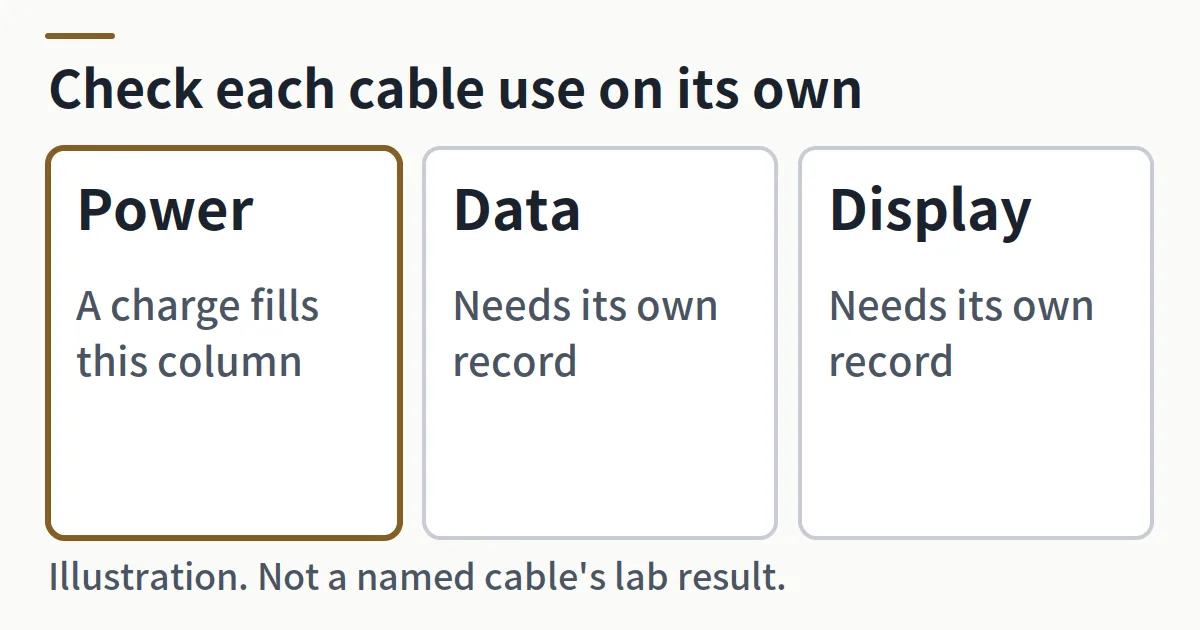
A USB-C cable that charges can still fail a file transfer. Confirm power, data, and display as separate uses before you buy or accept the cable. A cable that charges is not proof it can transfer files.
This page is the record for one cable. It sits under the charging and power guide, which compares a charger as a documented configuration. Use the specification worksheet method when you copy an official model page, and the supplier evidence guide when a seller listing is the only claim you have. The page does not rank cables or brands, does not open a cable, and does not choose a Samsung charging protocol.
A USB-C charger cable and a USB-C data cable can share one connector and still differ in power, data, and display. USB-IF states that all cables do not have the same capabilities, and that it certifies cables for different purposes. On the USB-C to USB-C compliance path, the power labels required to pass are 60W or 240W. A data-rate marking is also required, except on a High-Speed USB (USB 2.0) USB-C to USB-C cable, where the power icon is required and a data logo is optional. Those rules come from the USB-IF cable and connector compliance guidance, which does not name a display mode.
Scroll horizontally to see all columns.
| Order | Check | What to record | What that record can support | What it cannot support | Your result |
|---|---|---|---|---|---|
| 1 | Connector | Both ends, and whether each end is a USB connector | The connector family. USB-IF uses both USB Type-C and USB-C for this family | A power level, a data rate, or a display function | |
| 2 | Power marking | The power icon or logo on the cable, when one is present | On the USB-C to USB-C compliance path, a required power label of 60W or 240W | A data rate, a display mode, or the result of plugging the cable in | |
| 3 | Data marking | The printed data rate, or the exact High-Speed USB (USB 2.0) case when the cable is identified as that case | The data rate the marking states. On the High-Speed USB (USB 2.0) exception, a data logo is optional | A display mode. A missing data logo does not identify the cable as USB 2.0 | |
| 4 | Official model specification | The model page for this exact cable, and the date you read it | Only the power, data, and display statements that page makes | Any function that page does not state | |
| 5 | USB-IF record | The public-list entry, its certification date, and the date you searched | That the listed product passed the USB-IF Compliance Program and is certified to bear the logo, within the limits on that page | A function the entry does not state. A missing entry is not a data result | |
| 6 | Host and device capability | The official specifications for the host and the device in this chain | What those products state for themselves | A higher function copied from the cable | |
| 7 | Your own test record | The use, the two products, the date, and the observation, written by you | Only the observation you write | Any use you have not tested. This cell starts empty | |
| 8 | Cannot be inferred | The shortcut you were about to use | Nothing | Thickness, a watt number alone, a generic MFi label, a successful charge, or the connector name |
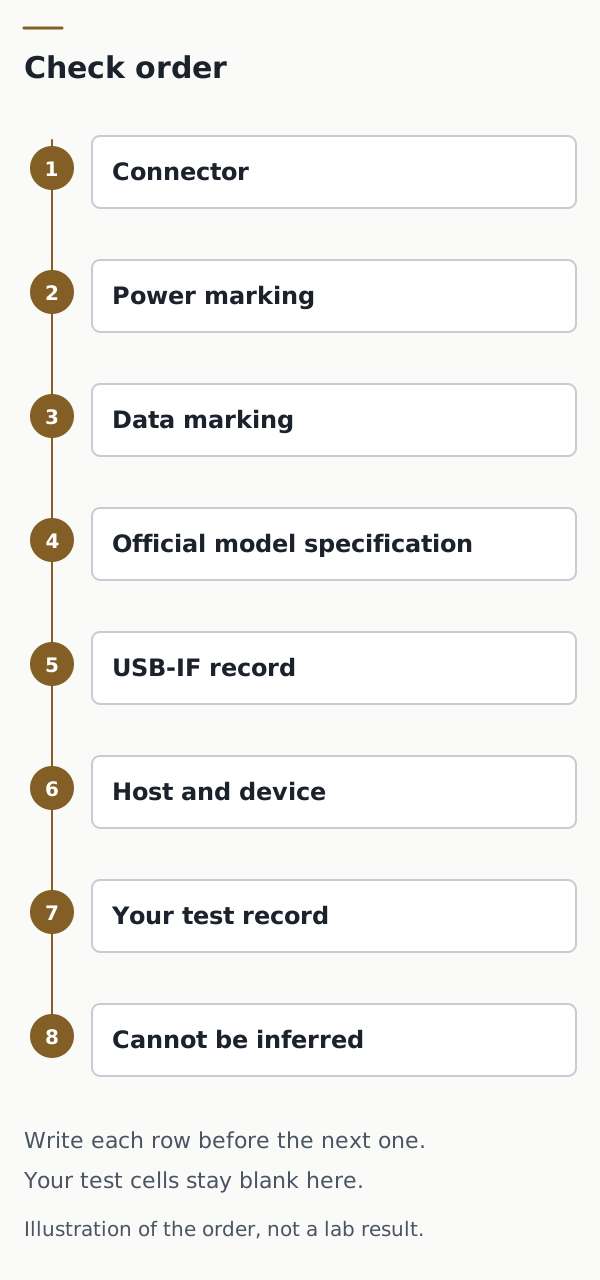
Copy the blank cable capability record and keep it with the cable. The file repeats these eight checks. Its result cells are empty.
What does the connector check decide?
Record the connector before you record a function. USB-IF uses the names USB Type-C and USB-C for this connector family. A search for a USB-C charger versus Type-C is still a connector question: both names point at that family. A charger cable and a data cable can both use it.
The connector check supports one conclusion: these ends are, or are not, the USB connectors the certification path describes. USB-IF defines a captive cable as a cable with one USB connector that is permanently attached or has a non-USB connector. Captive cables are not eligible for the USB-IF cable-assembly certification, and both ends of a cable assembly seeking that certification must use USB connectors. Record the ends. Ineligibility for that program is not a data rate and not a display mode.
The same page says the cable-assembly program is available only to cables defined in the USB 2.0, USB 3.2, and USB Type-C specifications. Connectors in an assembly seeking certification must already be certified, and USB-IF requests the TID of each connector. This page does not look up a TID for you.
Which power and data markings does the compliance path require?
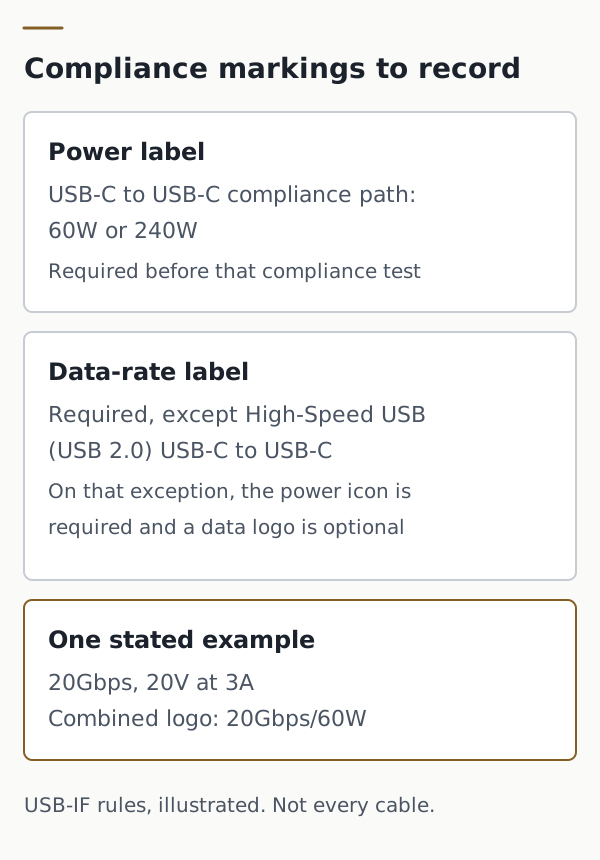
To pass through the USB-IF Compliance Program, every USB-C to USB-C cable category must be labelled 60W or 240W with the appropriate power icon or logo. USB-IF requires that label before compliance testing, so the lab can confirm the icon is shown. The policy covers all USB-C to USB-C cables, and the markings are checked before testing begins.
A data-rate marking is required as well, except on a High-Speed USB (USB 2.0) USB-C to USB-C cable. USB-IF’s example is a USB 20Gbps USB-C to USB-C cable that supports 20V at 3A: that cable must carry the combined 20Gbps/60W logo. Copy that example only when the cable in your hand is identified as that case. It is not a watt rating for every 60W label, and it is not a data rate for every cable.
A High-Speed USB-C to USB-C cable must have the power icon. It can also carry the USB 2.0 trident or the appropriate High-Speed logo. That data logo is optional for this one class. Use the exception only after the marking or the official model specification identifies the cable as High-Speed USB (USB 2.0). A missing data logo, read by itself, does not make that identification.
The logo has to be on the cable, and the test lab checks it. A cable that fails is not authorized to bear the logos. Commercial use of the logos requires a USB-IF Trademark License Agreement. Write down the marking you see, then continue to the model specification and the public list. A printed mark is not the USB-IF record.
The Type-C certification program uses more than one document, chosen by the cable’s capabilities: USB Type-C Cable and Connector Compliance, the USB Type-C End Product Cable Test Plan, the USB Type-C Functional Test Specification, and, if USB Power Delivery is supported, the USB Power Delivery Compliance Test Specification. Cables with an E-marker are pointed to the USB Power Delivery Compliance Plan for cable tests. This page names those documents and does not summarize tests it has not read.
Where do the model specification and the USB-IF record fit?
The official model specification is the manufacturer’s page or document for the exact cable model. Copy only the power, data, and display sentences it contains, with the date you read them. If it is silent on display, the display cell stays empty. This article does not add an iPhone watt rating, a USB version, or a display mode from outside that page.
People also ask for the best USB-C charger cable for an iPhone. This page does not rank one. For a specific iPhone, open that model’s official specification, copy only what it states, and run the same eight checks on the cable. A generic MFi label is one of the items in the last row: it does not fill the data cell.
The USB-IF public product search lists products certified to bear the USB-IF logo. USB-IF sponsors the lists, members maintain them, and USB-IF does not take responsibility for the contents. The default view shows products certified in the last two years. Products with certification dates older than two years may fail the current compliance program, and USB-IF assigns the vendor the job of making sure those products meet current standards. Older dates are available through the date filter, in MM/DD/YYYY form. If the product is not in the list, USB-IF says to contact the manufacturer about when it will be certified. Record “not in the list on this date.” Do not convert that line into a data rate or a display mode.
One note on that page is about E-marker parts, not about a finished cable’s file transfer. Some PD 2.0 E-Markers certified before April 2017 may not operate below 5V. USB-IF tells someone selecting an E-marker for implementation to confirm with the manufacturer that it operates down to 2.75V, because that matters for certification of end-product cable assemblies. If your list entry is that kind of part, copy the note into the record. It still does not state a data rate or a display mode for the cable you are accepting.
A certified cable does not remove the need to certify the USB products around it, and it does not add capabilities to those products. The host and the device keep their own row.
What do you write for the host, the device, and your own test?
The host is the computer, phone, or charger that sources the connection. The device is the product on the other end. Read each official specification and copy its stated limits into row 6. A 20Gbps marking on a cable, when that marking is actually present, still leaves the host and the device at whatever their own pages state.
Row 7 is yours. Name the use you tried, the two products, the date, and what you observed. Power, data, and display each need their own observation if you care about that use. Record the cell only after completing a direct observation on the actual hardware pair.
What cannot be inferred?
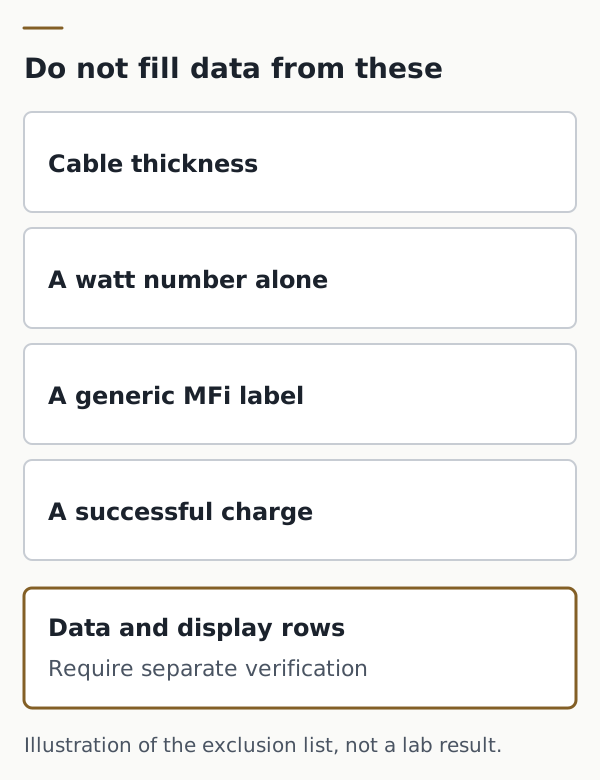
Cable thickness does not state a data rate. A watt number printed without the power and data markings above does not state a data rate. The 60W and 240W labels are compliance markings to record when they are the markings on that cable, not a rule that every USB-C cable has the same data or display function. A generic MFi label does not state a USB-IF data rate. A cable that charges has answered the power observation only.
USB-IF also points readers to separate legacy documents, the USB 2.0 Cable and Connector Class document and the USB 3.0 Cable and Connector Compliance document. This page does not restate them. If your cable is a legacy connector rather than USB-C to USB-C, stop after the connector row and read those documents before copying any USB-C marking rule onto it.
Keep the check fields
Keep the check fields. Store the blank record with the cable, and fill only the cells you have actually verified or tested. The articles directory holds the other worksheets the same way: the file stays with you.
ElectronicSeek does not test the cable, certify the logo, or choose the cable for you.
Method and sources
The marking rules and the certification limits are taken from two USB-IF pages: Cables and Connectors and Product Search. The rules summarized above cover the power labels, the High-Speed USB (USB 2.0) exception, the 20Gbps and 20V at 3A example, the captive-cable definition, the public-list window, and the E-marker note.
The diagrams are conceptual illustrations of that check rather than a specific cable’s lab result. Verify watt ratings, USB versions, and display modes directly against the manufacturer’s specification and USB-IF listing.
Sources checked
Related articles
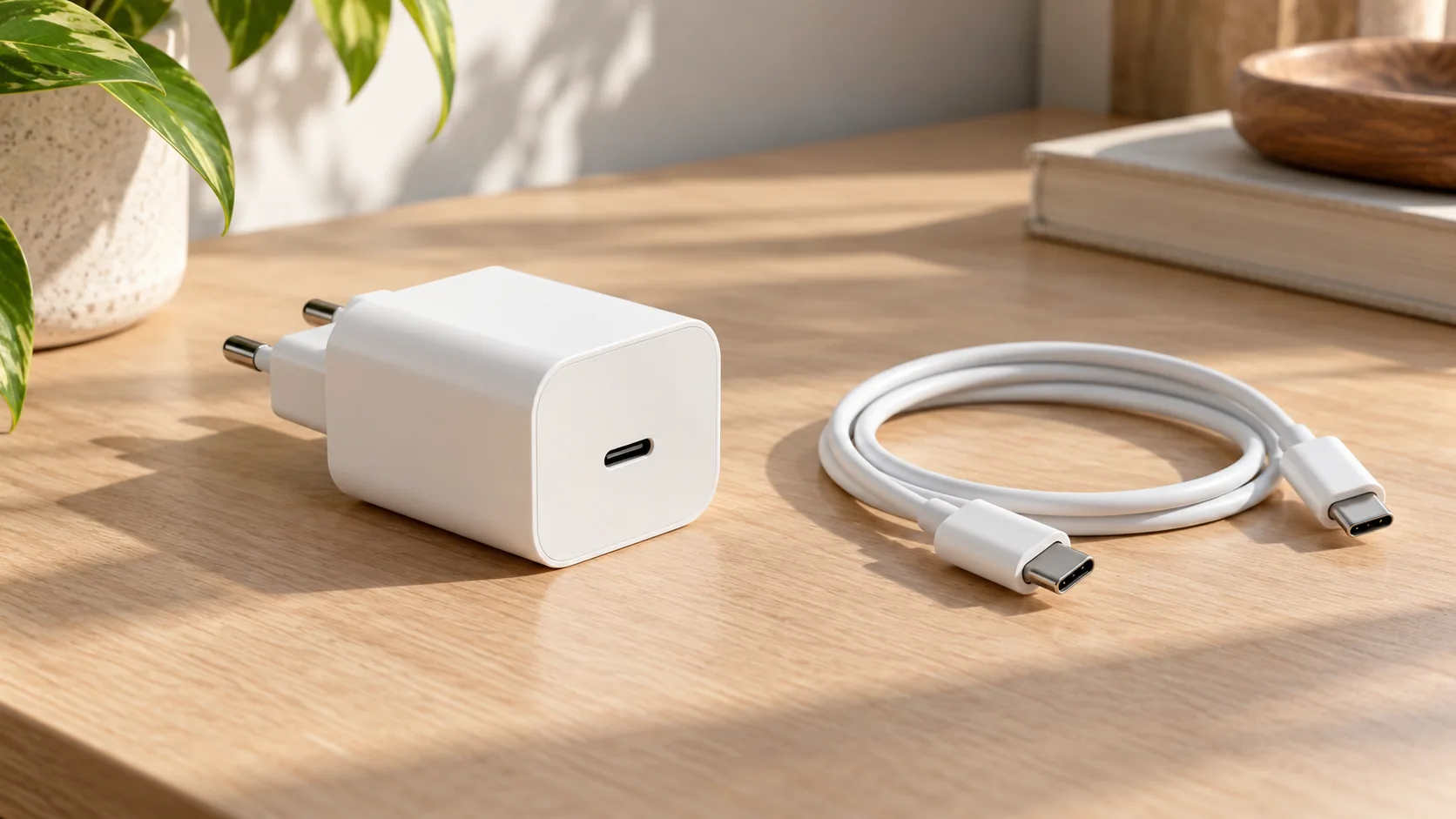
USB-C charging block wattage and PPS
A USB-C charging block wattage is a PDP rating. Separate it from fixed PD voltages, PPS 20 mV steps, shared ports, cable current, and the Level VI mark.
Read article
Open-Box vs Refurbished Electronics: Grading and Returns
Compare open-box and refurbished electronics by published grades, battery evidence, remaining warranty and return terms, then account for a lot's return loss.
Read article
Which Samsung Charger Do You Need?
Match a Galaxy phone or tablet to Samsung's listed charging modes, then check adapter output, PPS, the cable, and ports in use.
Read article