
What Unlocked Phones Work With Verizon?
Check an unlocked phone for Verizon using its exact model, private IMEI, carrier-lock status and SIM or eSIM requirements.
AI-assisted source check; independent human review not recorded. How this guide was prepared
Buying the wrong unlocked phone can waste money on a handset you cannot activate. Unlocked Apple, Google, Samsung and other Android phones can work with Verizon when the particular device meets Verizon’s hardware and software requirements. Verizon’s BYOD eligibility guidance requires both an unlocked device and network compatibility; the brand name alone cannot settle the purchase.
Use the official Verizon device checker before committing to a third-party phone. Keep the result tied to the handset you will receive. This guide provides a purchase record for an existing, imported or refurbished phone; it does not certify a model list or perform the check for you.
Scroll horizontally to see all columns.
| Check | Evidence to use | What it resolves |
|---|---|---|
| Exact handset | Model code and stated sales region | Which variant is actually offered |
| Carrier lock | Device setting or current-carrier confirmation | Whether another carrier restricts use |
| Verizon compatibility | Official checker result for the device ID | What Verizon reports for this device |
| SIM or eSIM | Verizon instructions for the handset and account situation | How to proceed with activation |
Which unlocked phones are candidates?
Verizon names Apple, Google, Samsung and other Android devices in its BYOD guidance. Treat those as places to start looking. For each offer, identify the exact handset and run the official check rather than turning a brand or product-family name into a universal approval.
An imported phone advertised as “global” needs the same record as a domestic offer. Copy the full model code and the seller’s region claim into separate fields. Do not quietly replace an unfamiliar variant with the specifications of a similarly named US device. The mobile-phone research guide explains how to separate an offer title, model number, seller SKU and market claim.
A frequency table may help you compare documented radio specifications, but it does not supply the lock-status evidence or the device-ID result requested by Verizon. Our buying recommendation is to leave eligibility unresolved until you have those separate answers. No handset is approved by this article.
Record the actual device before checking it
Ask for the model code of the unit being sold, its stated market, and a way to complete Verizon’s check for that unit before the purchase becomes nonreturnable. Keep the IMEI in a private record; use your own inventory reference in shared comparisons.
Verizon’s device-ID instructions point Android users to Settings > About Phone and iPhone users to Settings > General > About. If several identifiers appear, follow the checker prompts and retain which identifier you used. Do not guess from a number on a different handset or from a seller’s example screenshot.
For an order containing several phones, make a record for each unit. A seller’s result for one sample is evidence about that sample. It does not fill the compatibility cells for the remaining stock. If unit-level checking is unavailable before shipment, record that gap and agree in writing how an incompatible unit will be handled.
Check carrier unlocking separately
On an iPhone, Apple says to open Settings > General > About and inspect Carrier Lock. The wording “No SIM restrictions” means the iPhone is unlocked. Apple’s unlocking instructions also say that only the current carrier can unlock it. This is an iPhone-specific check; it does not establish Verizon compatibility.
For another phone, use the relevant device and current-carrier instructions. Rely on the specific manufacturer’s menu path rather than a seller’s “factory unlocked” description as a completed device check. Keep an unavailable answer as Unknown / verify on the unit.
Refurbishment is another separate question. A phone’s cosmetic grade or battery condition does not complete either the carrier-lock or compatibility check. The refurbished-electronics guide helps assess those condition and remedy terms alongside the network decision.
Save Verizon’s result, then resolve SIM requirements
Open Verizon’s BYOD checker and follow its prompts for the actual device. Save the date, the checker URL, the identifier used in your private file, and the result as displayed. Do not rewrite an unclear response as “compatible.” If the checker cannot settle the case, take that result and the device details to Verizon before buying.
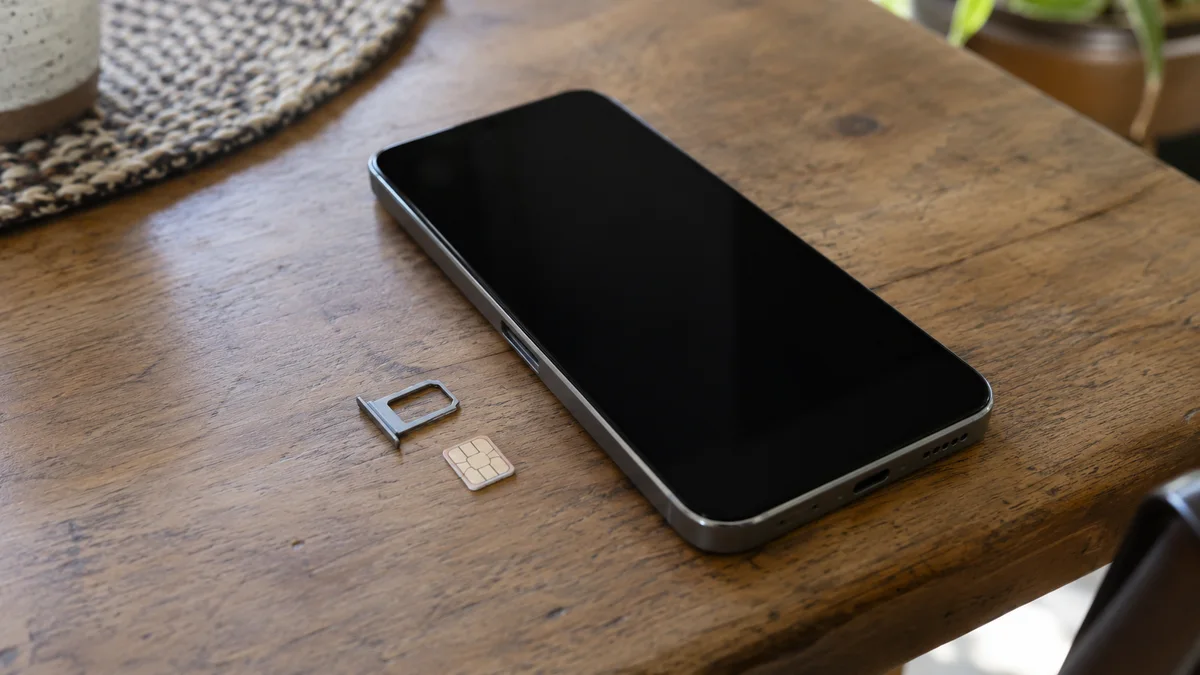
Verizon’s BYOD FAQ says the SIM or eSIM must also be compatible, and an incompatible physical SIM needs replacement. Its eSIM guidance directs readers to the BYOD compatibility check for their device. The presence of an eSIM feature in a listing is therefore a reason to check the activation route, not a completed activation record.
Keep the intended account situation in your notes: new service or an existing line, and physical SIM or eSIM. Follow the applicable Verizon instructions rather than assuming a seller’s previous setup applies to you. For an unsuccessful activation, retain the actual message and seek Verizon’s device-specific help; this guide does not diagnose the cause.
Copy this admission record for each handset
Copy the table into your own private file. Leave the answer blank or write Unknown / verify on the unit until you have evidence. The final column is a place to store a source, screenshot reference or unresolved question, not a list of answers supplied by ElectronicSeek.
Scroll horizontally to see all columns.
| Field | Your answer | Evidence or open question |
|---|---|---|
| Private inventory reference | ||
| Exact model code and stated sales region | ||
| IMEI or device ID — private file only | ||
| Carrier-lock status and date checked | ||
| Verizon checker URL and date | ||
| Checker result, copied as displayed | ||
| Intended account situation | ||
| Physical SIM or eSIM requirements | ||
| Unresolved features or activation questions | ||
| Written remedy if the received unit cannot be activated | ||
| Purchase decision and reason |
For a wider comparison of several offers, the existing specification comparison worksheet provides a separate, general-purpose CSV. Use the comparison guide to connect each specification to its source. Keep this handset record alongside it; the general worksheet is not a Verizon checker.
Decide what the evidence allows you to buy
Proceed to the next purchase check when the offered unit is identified, its unlock status is supported, Verizon reports compatibility for that device, and the SIM route is clear. That is our suggested buying threshold, not a guarantee of every feature, location or future service condition. List any service you depend on as an explicit question for Verizon.
Hold the purchase when the seller cannot identify the variant, the unlock status is unresolved, the official result is missing or unclear, or the activation requirements remain unanswered. A return agreement can allocate that uncertainty; it cannot turn an unknown result into approval.
Keep one compatibility record per handset. For mixed stock, separate the units with completed records from units still awaiting answers. Continue with the seller and order checks in the articles directory only after you know which devices the network evidence actually covers.
Method and sources
Updated October 2026. Compiled from public support pages retrieved on October 15, 2026: Verizon’s BYOD eligibility, device-ID and SIM FAQ, its device checker, its eSIM support FAQ, and Apple’s carrier-unlock instructions. The checklist, per-unit record and purchase thresholds are ElectronicSeek’s editorial organization of those checks.
No handset, IMEI, SIM or carrier account was tested for this article. Model-specific acceptance and unresolved features must be checked with Verizon for the actual unit; the generic desk photographs do not show a checker result or demonstrate successful activation.
Sources checked
Related articles
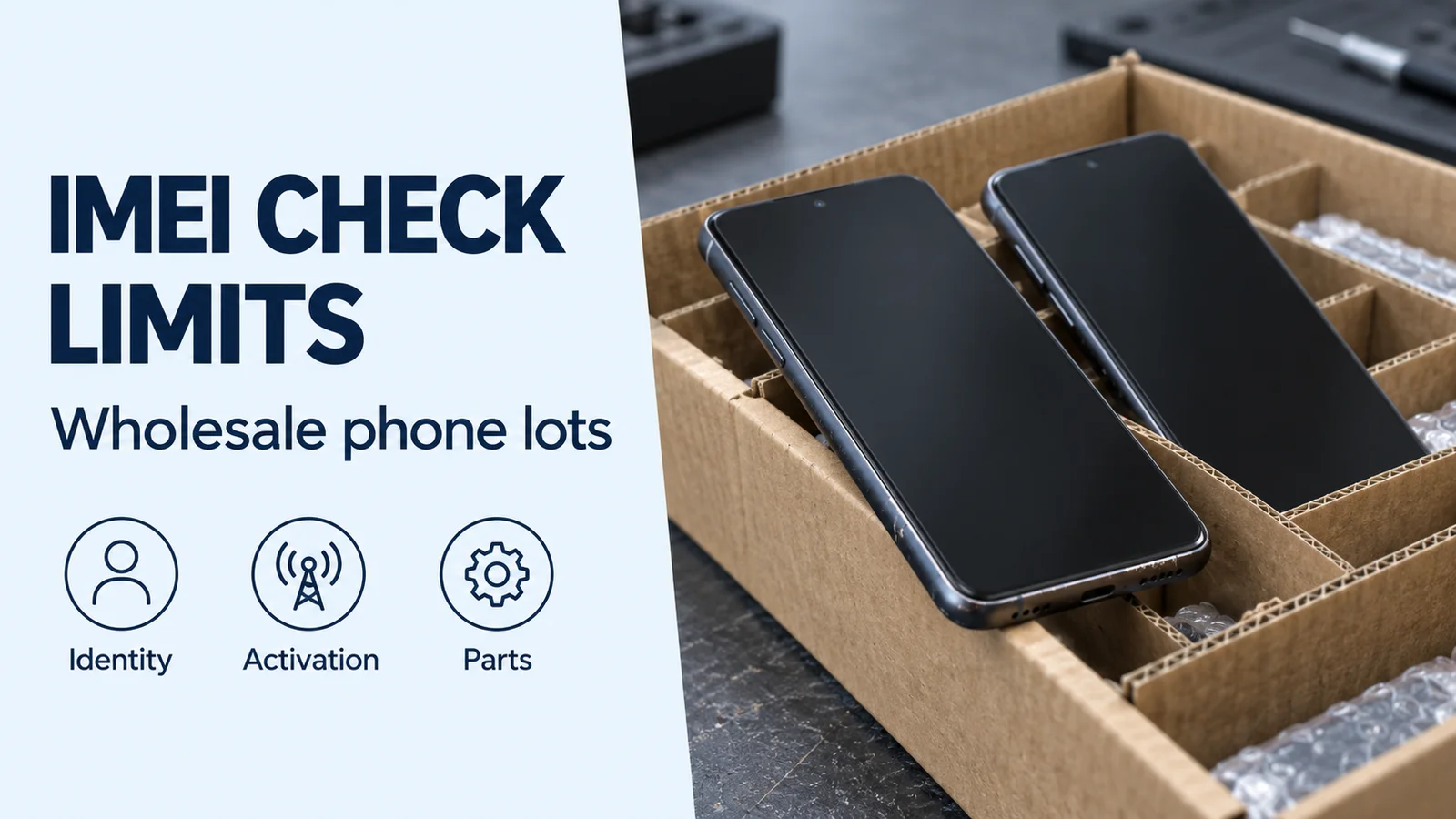
Check IMEI Number: What a Wholesale Lot Check Does Not Prove
Check IMEI numbers before accepting a wholesale phone lot. Separate blacklist results from finance, activation locks, repair history and carton coverage.
Read article
USB-C to Lightning Cable Check: MFi C94 vs. Cloned Chips
Verify a USB-C cable to Lightning before accepting bulk stock: check the MFi database, C94 rhodium-ruthenium pins, PD protocol readouts, 3A IR drop, and SR flex life.
Read article
Is a Samsung Charger Original?
Record the seller claim, the printed label, the order, and a Samsung reply. A printed label is not a confirmed identity.
Read article